
Technical Support to Fix Common Camera System Issues
Post-Warranty Support & Repair Services
Even after the warranty period has ended, Protection4Less continues to support your security camera system. Technology can experience wear over time, and our team is available to help diagnose, repair, and restore proper operation when issues arise.
We provide professional post-warranty services designed to keep your system working reliably. These services include troubleshooting camera problems, fixing video loss, repairing or replacing faulty components, adjusting camera angles, resolving connection issues, and restoring recording functionality. Our technicians use proven methods to identify problems quickly and recommend the most effective solutions.
Customers can also choose system upgrades after the warranty period. This may include replacing older cameras with higher-resolution models, improving night vision performance, upgrading storage, or enhancing system reliability with newer technology. Post-warranty service allows your system to continue delivering protection without the need for a full replacement.
How This Help Section Supports You
This support section is designed to help customers solve common issues on their own or with guided assistance. Here you’ll find clear explanations of frequent problems such as video loss, no signal messages, power issues, recording errors, and remote viewing problems. Each topic provides practical steps, basic troubleshooting guidance, and clear explanations written in simple language. If the issue cannot be resolved through the help section, customers can request professional repair or service directly from Protection4Less. Our goal is to give you options—quick answers when possible, and expert service when needed—so your security system stays dependable even after the warranty has expired.
How to fix Video Loss
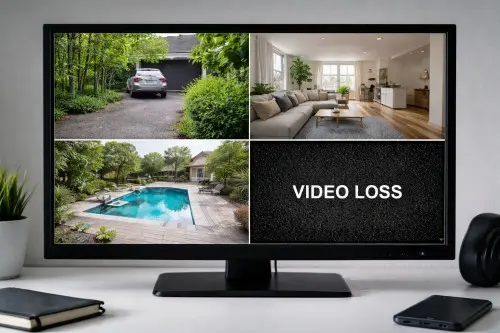
Video loss on security cameras means no image or a black screen. Learn common causes like power issues, cables, or settings—and how to fix them fast.